- In the upper-right corner of any page on GitHub, click your profile picture, then click Settings.
- In the sidebar, under "Code, planning, and automation", click Saved replies.
- Under "Saved replies", next to the saved reply you want to delete, click .
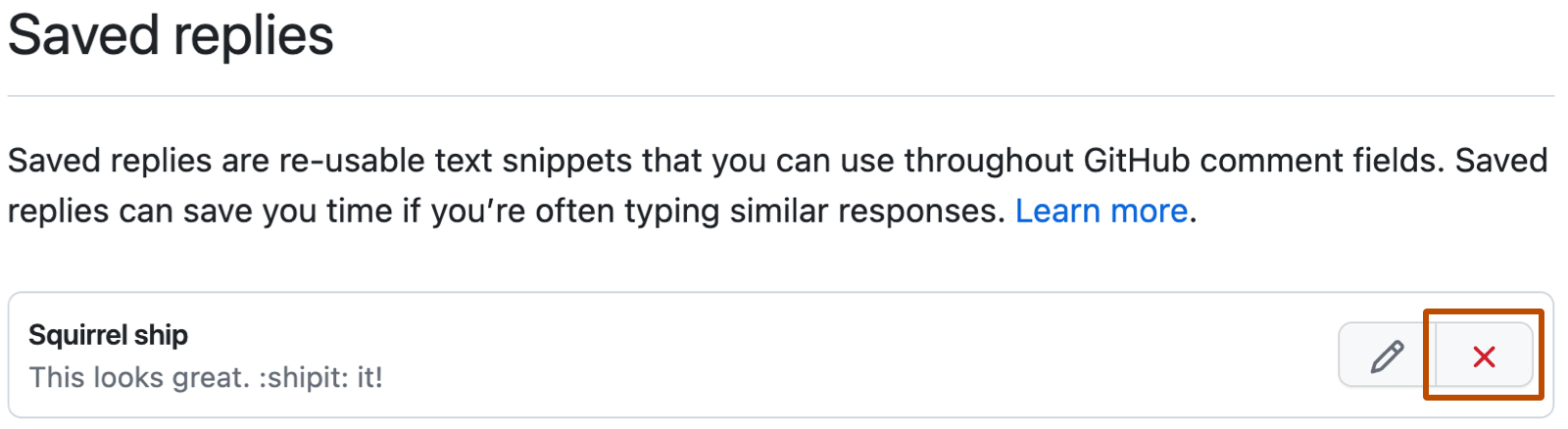
Deleting a saved reply
If you find that you're no longer using a saved reply, you can delete it.
