Примечание.
This feature is in Публичный предварительный просмотр and subject to change.
Prerequisites
- GitHub Code Quality is enabled on the repository.
- Code coverage data is uploaded to GitHub for the pull request branch. See Настройка покрытия кодами для вашего репозитория.
Creating a coverage threshold rule
-
На GitHubперейдите на главную страницу репозитория.
-
Под именем репозитория щелкните Settings. Если вкладка "Параметры" не отображается, выберите раскрывающееся меню и нажмите кнопку "Параметры".

-
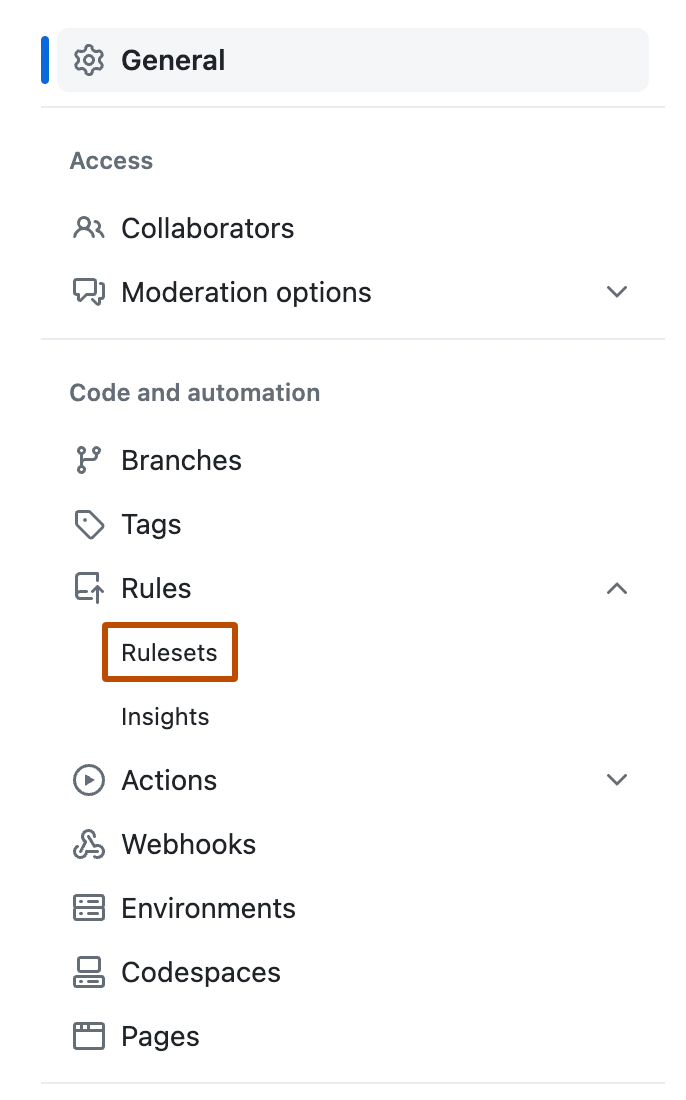
В левой боковой панели в разделе "Код и автоматизация" щелкните "Правила", а затем щелкните "Наборы правил".
-
Create a new branch ruleset or click an existing one to edit it.
-
Under "Branch rules", select Restrict code coverage.
-
Expand Additional settings to configure thresholds. A value of 0 means that the threshold is disabled.
- Minimum coverage percentage: enter a value to block pull requests where aggregated coverage falls below this percentage.
- Maximum coverage drop: enter a value to block pull requests where coverage drops by more than this many percentage points relative to the default branch.
-
Click Create or Save changes.

