注意
This feature is in 公开预览 and subject to change.
Prerequisites
- GitHub Code Quality is enabled on the repository.
- Code coverage data is uploaded to GitHub for the pull request branch. See 为存储库设置代码覆盖率.
Creating a coverage threshold rule
-
在 GitHub 上,导航到存储库的主页面。
-
在仓库名称下,单击 “Settings”****。 如果看不到“设置”选项卡,请选择“”下拉菜单,然后单击“设置”。

-
在左侧边栏的“代码和自动化”下,单击“规则”,然后单击“规则集” 。
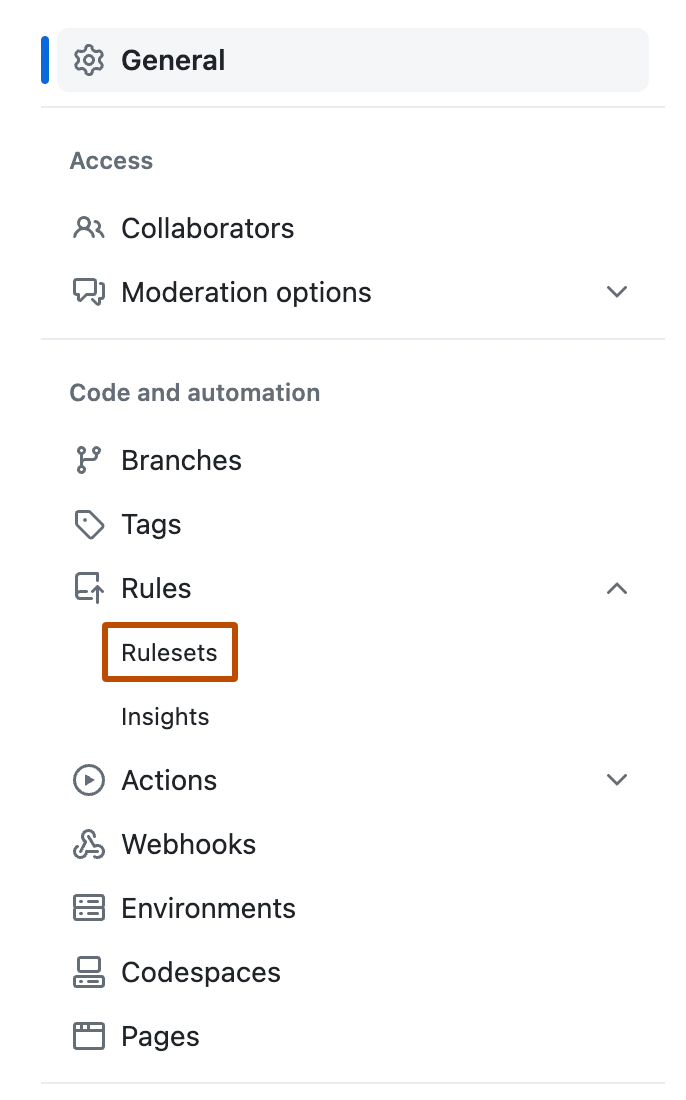
-
Create a new branch ruleset or click an existing one to edit it.
-
Under "Branch rules", select Restrict code coverage.
-
Expand Additional settings to configure thresholds. A value of 0 means that the threshold is disabled.
- Minimum coverage percentage: enter a value to block pull requests where aggregated coverage falls below this percentage.
- Maximum coverage drop: enter a value to block pull requests where coverage drops by more than this many percentage points relative to the default branch.
-
Click Create or Save changes.

